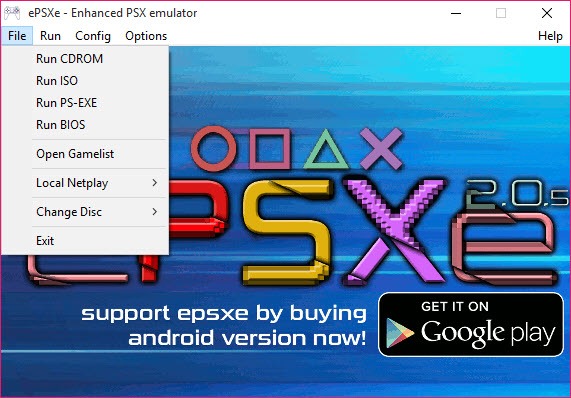

ePSXe for Windows
Windows
ePSXe is a popular emulator for the Sony PlayStation (PS1). It allows you to play PS1 games on various platforms, including Windows, Android, and Linux. ePSXe stands for "enhanced PSX emulator" and aims to provide accurate and high-performance emulation of PS1 games.
ePSXe offers a range of features and options to enhance your gaming experience. It supports high-resolution rendering, allowing you to play games in improved graphics quality compared to the original PS1 hardware. The emulator also provides options for texture filtering, upscaling, and shader effects, which can further enhance the visual appearance of games.
In terms of controls, ePSXe allows you to customize input settings based on your preferences. You can use a keyboard and mouse on the desktop version or connect external controllers to play games. On the Android version, you can use touchscreen controls or connect Bluetooth controllers for a more comfortable gaming experience.
ePSXe supports various features that are important for emulation, including memory card emulation for saving and loading game progress, save states that allow you to save and load your progress at any point, and support for cheat codes. The emulator also provides compatibility settings and options to fine-tune the emulation process for optimal performance and compatibility with different games.
To use ePSXe, you will need PS1 game images, also known as ISO or BIN/CUE files, which can be obtained from your own PS1 game discs or legally obtained digital copies. It is against the law to download or distribute copyrighted material without proper authorization.
Overall, ePSXe is a widely used and reliable emulator for playing PS1 games on various platforms. It provides a convenient way to enjoy classic PS1 titles and offers customization options to enhance your gaming experience.
| Link Download | |
|---|---|
| ePSXe Zip (Portable): | |
| BIOS SCPH-1001: | |